 ChatGPT
 Claude
 Discord
 GitHub
 Gmail
 Notion
 Slack
 YouTube
A Real App Window
Its own taskbar entry and icon, a tray icon if you want one, and single-window mode. Start it as a window, minimized or only in the tray.


Free and open source · Linux, Windows, macOS
Penates turns websites and web apps into desktop apps, each with its own window, icon, taskbar entry and separate login.
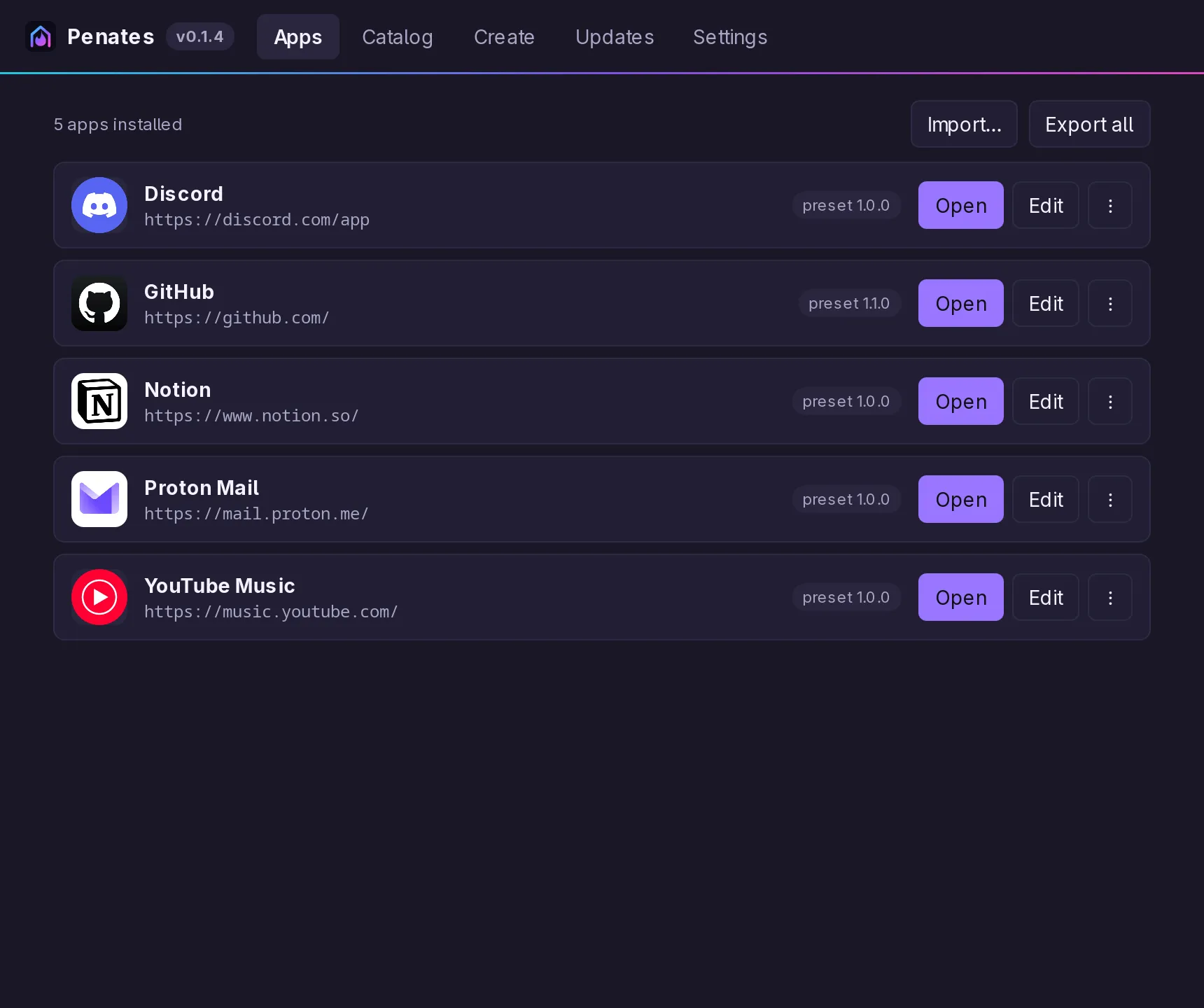
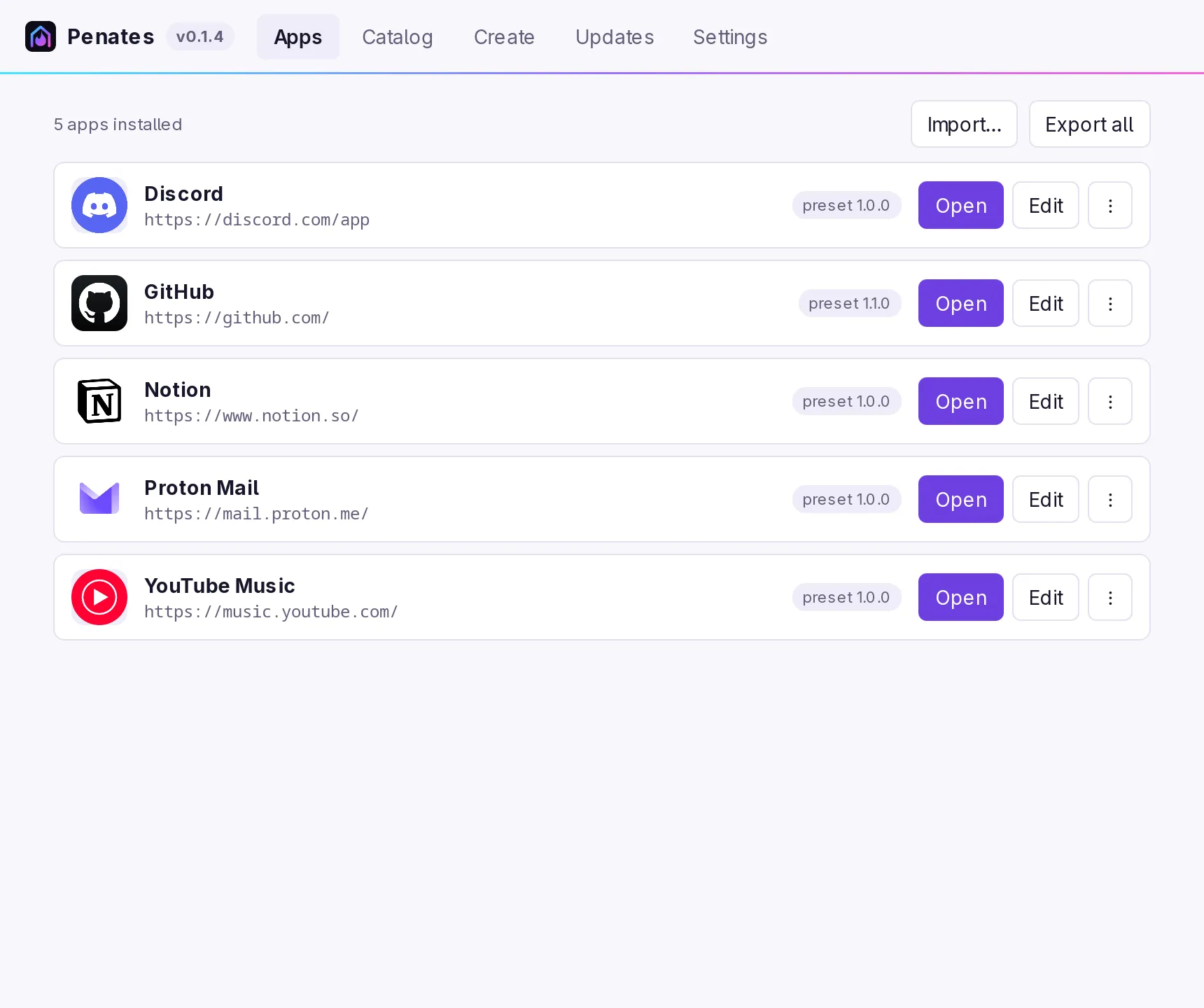
Popular apps, ready in one click!
…or any other site you paste in.
Logos belong to their owners; Penates is not affiliated with them.
Its own taskbar entry and icon, a tray icon if you want one, and single-window mode. Start it as a window, minimized or only in the tray.
Every app keeps its own cookies and storage, so a work and a personal account run side by side.
The site's own pages and its sign-in popups stay in the app; links to other sites open in your browser.
Alt+← and Alt+→ or the mouse side buttons go back and forward, F5 reloads, Alt+Home goes to the start page. F1 lists them all, and a toolbar in each site's own color puts them on screen.
Known sites come set up to work well as apps, like keeping sign-in inside the window. Share yours with everyone in a click, or keep catalogs of your own.
MIT licensed, signed updates, no account and no telemetry. Export your apps to a file and take them anywhere.
Paste an address in the manager, or use the terminal. Penates finds the site's name and icon, adds the app to your application menu and links a catalog fix when there is one.
$ penates create github.com
created 'GitHub' (github)
preset: github 1.1.0 from the app catalog
launcher: ~/.local/share/applications/penates-github.desktop
$ penates run github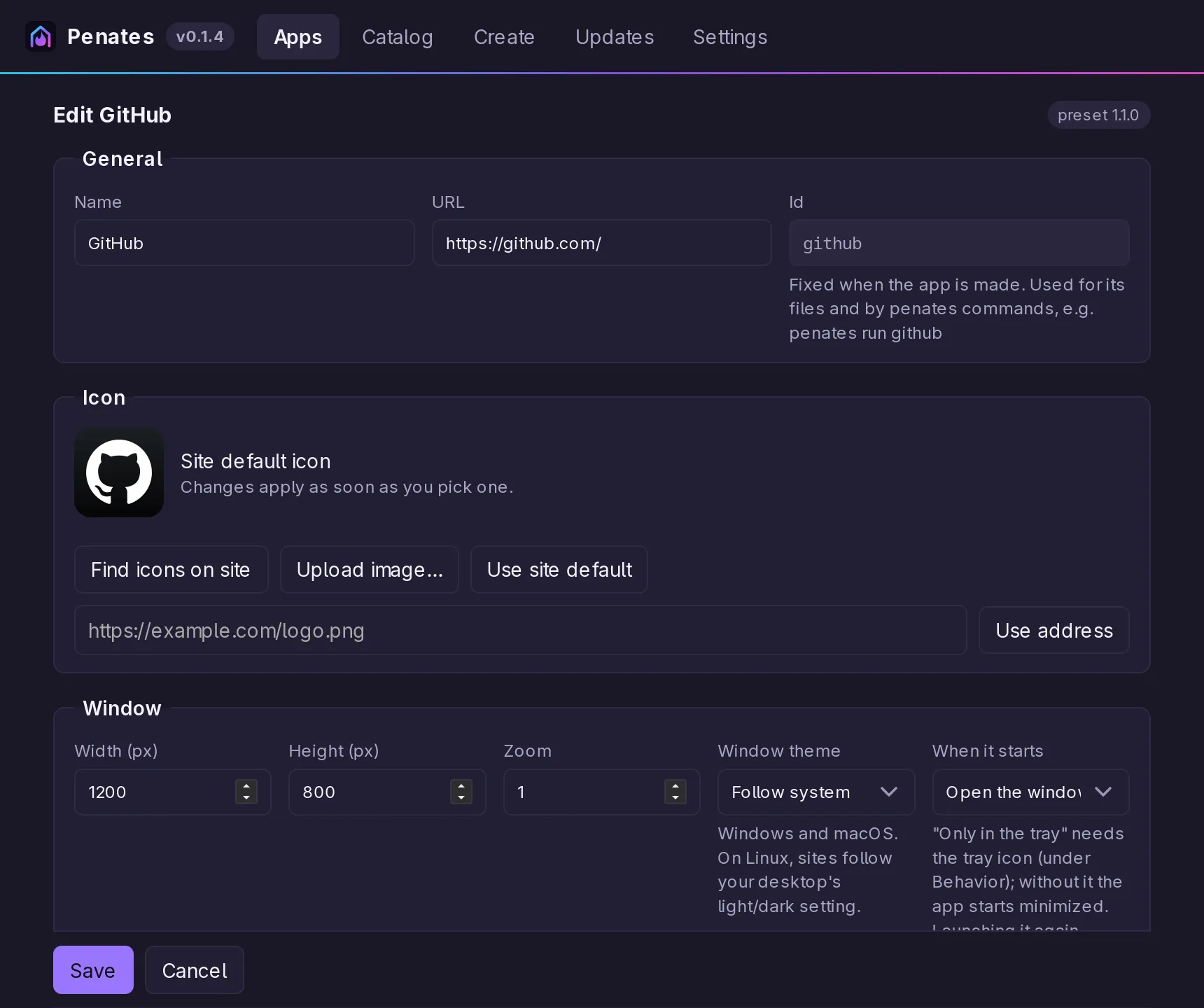
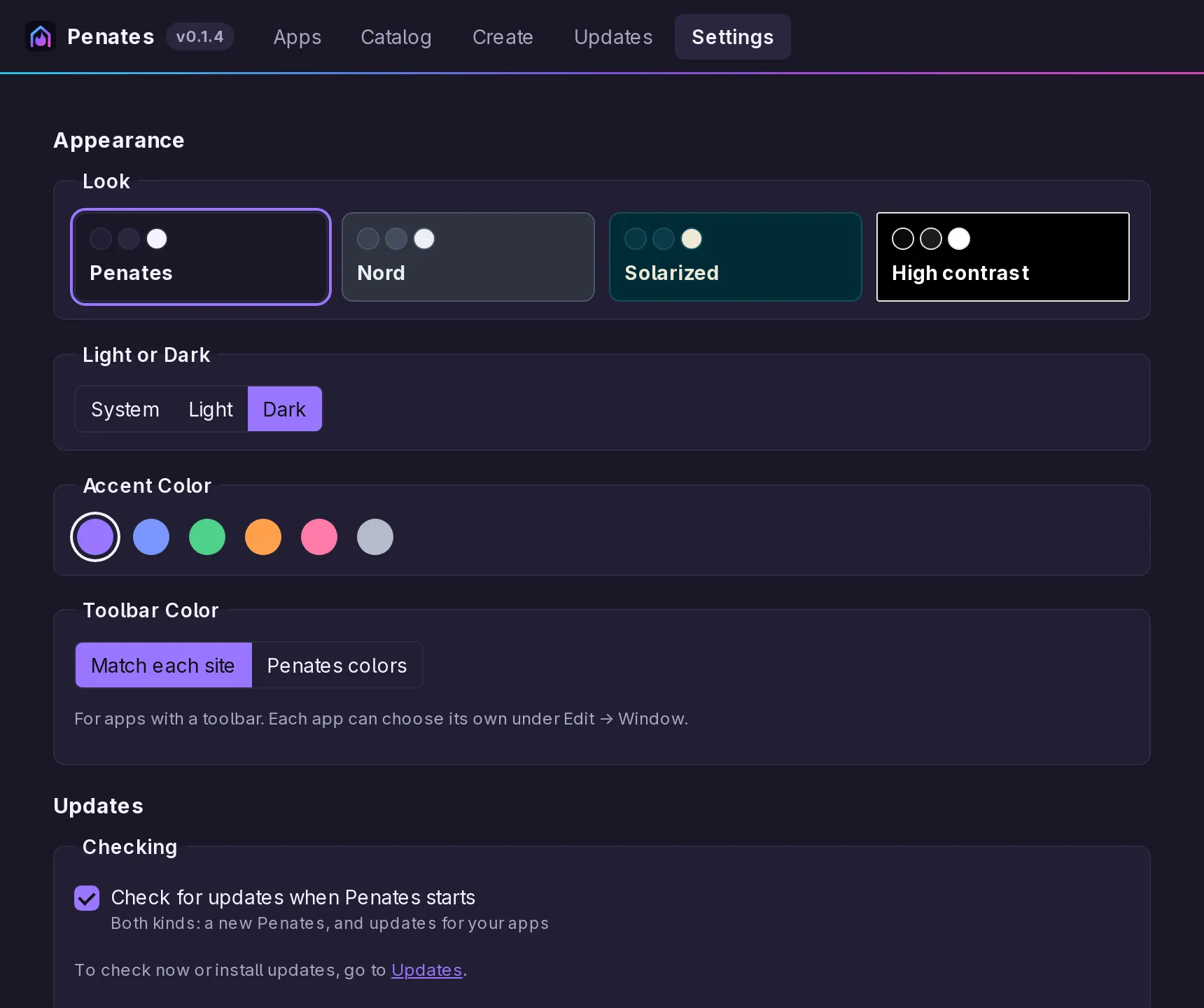
Four looks, light or dark, and six accent colors for the manager. Every app keeps its own window size, zoom, tray icon, permissions and start mode.
Version numbers, checksums and every file are on the releases page. Penates updates itself, with signed updates.
paru -S penates-bin (or yay, or makepkg). Elsewhere, any of the three; they update themselves.Get it →New here? Getting Started walks through your first app.